Easy to share
Put beezlink.com/yourname on your Facebook Page, Messenger replies, Instagram or TikTok bio, QR codes and flyers.
Create a mobile-friendly page for your Filipino business. Put your menu, products, hours and contact links together—then share one link on Facebook, Messenger or your social bio.
14 days of Pro free · no credit card needed
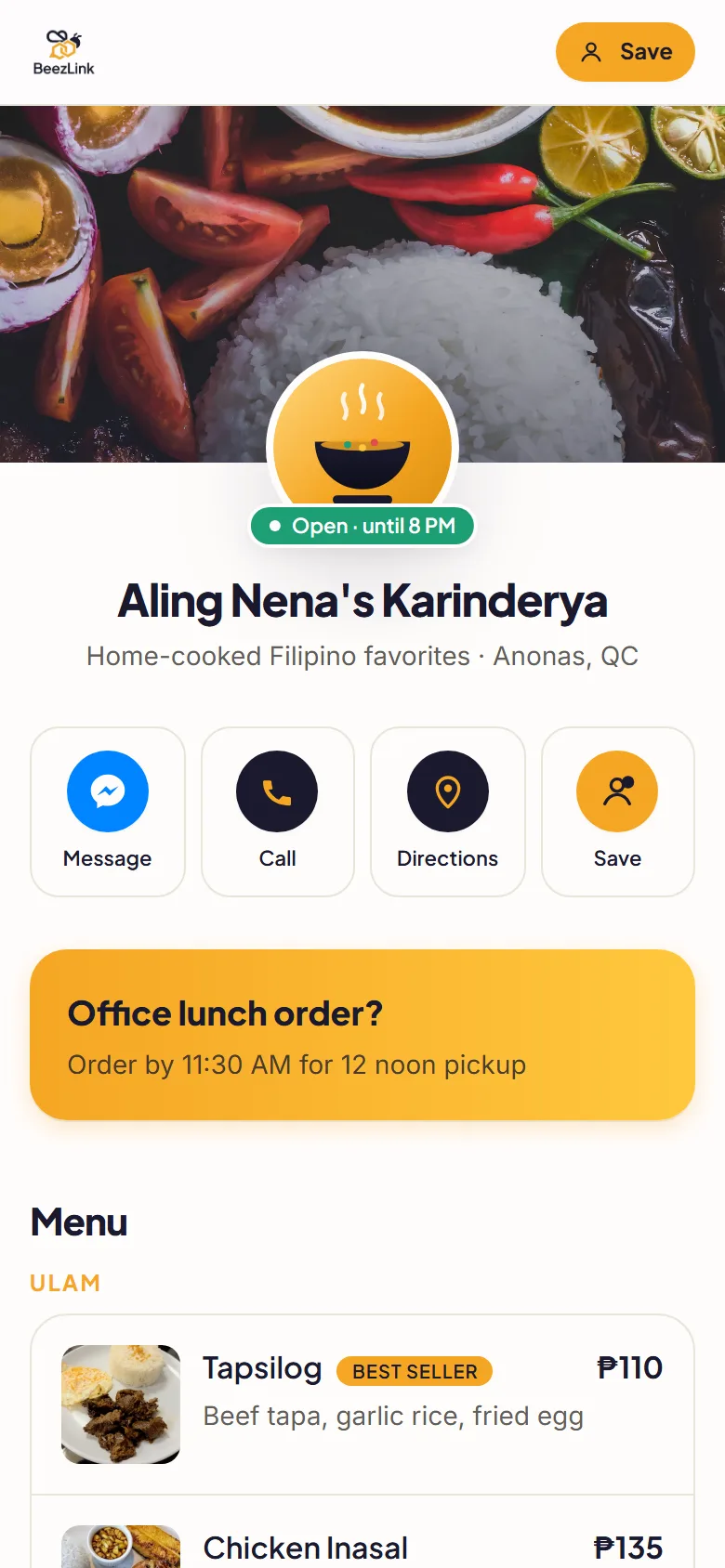
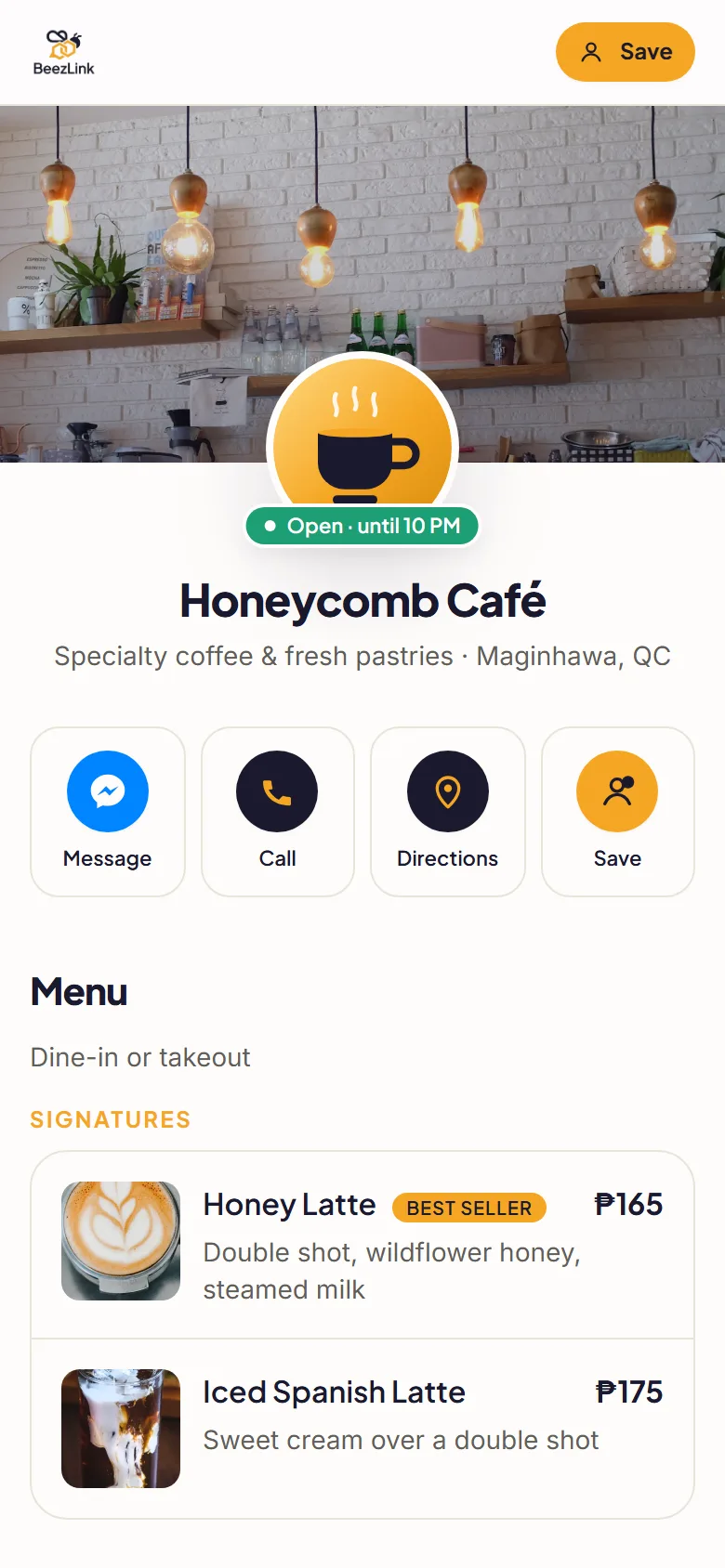
Karinderya, café, food cart or home-cooked meals. Put your menu, prices, hours and location on one page customers can open from Messenger.
BeezLink for food businesses →Selling on Facebook, Instagram or TikTok? Show your products with photos and prices in one catalog, and share it in your bio and chats.
BeezLink for online sellers →BeezLink also has templates for:
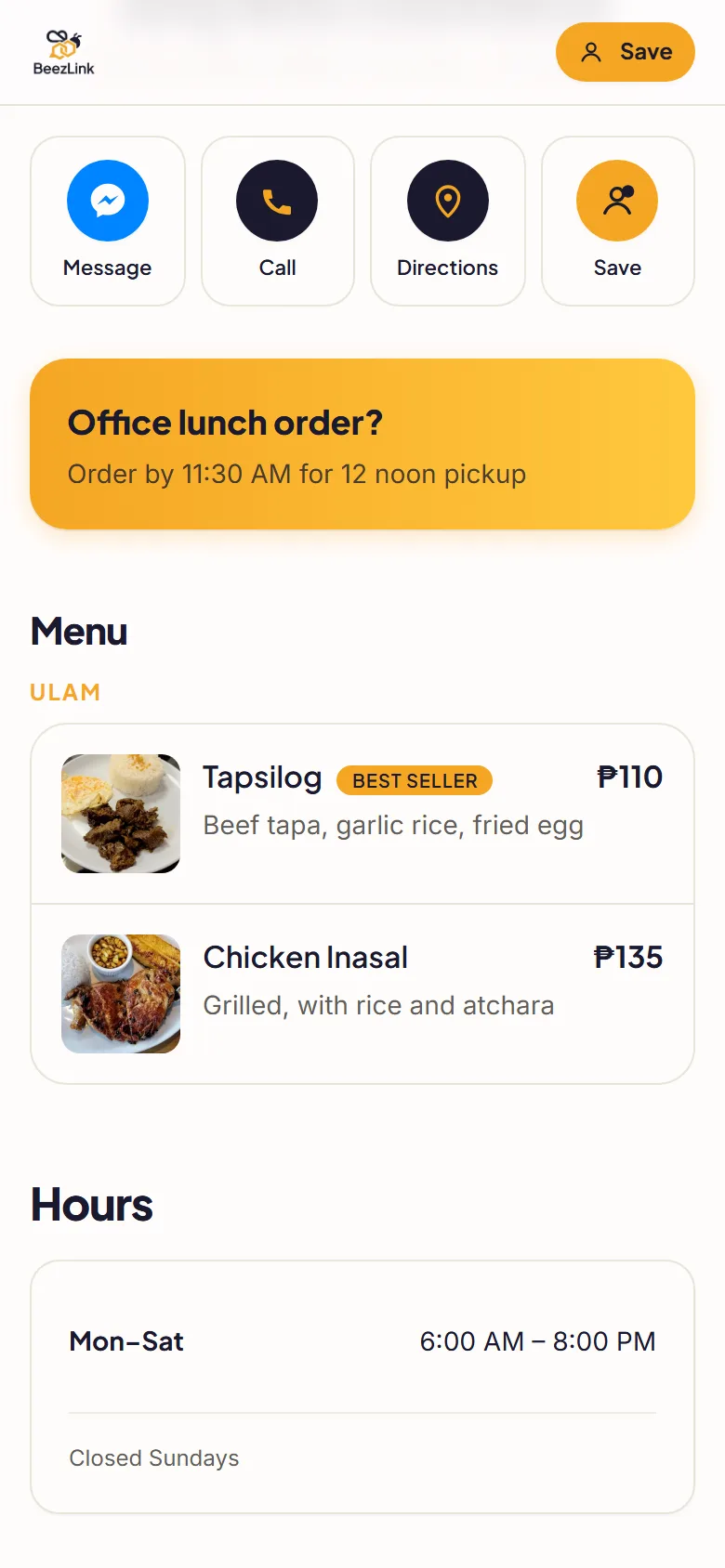
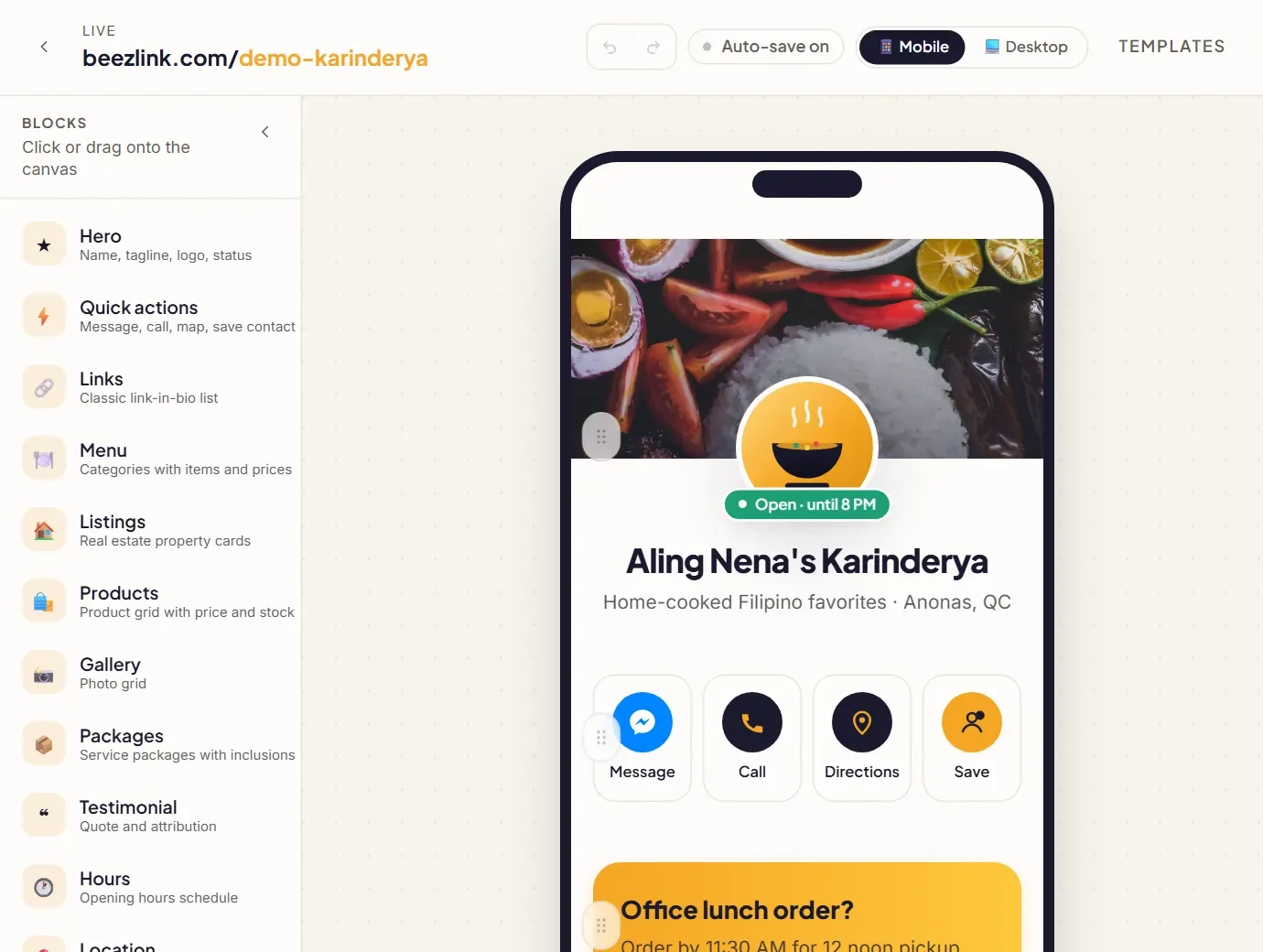
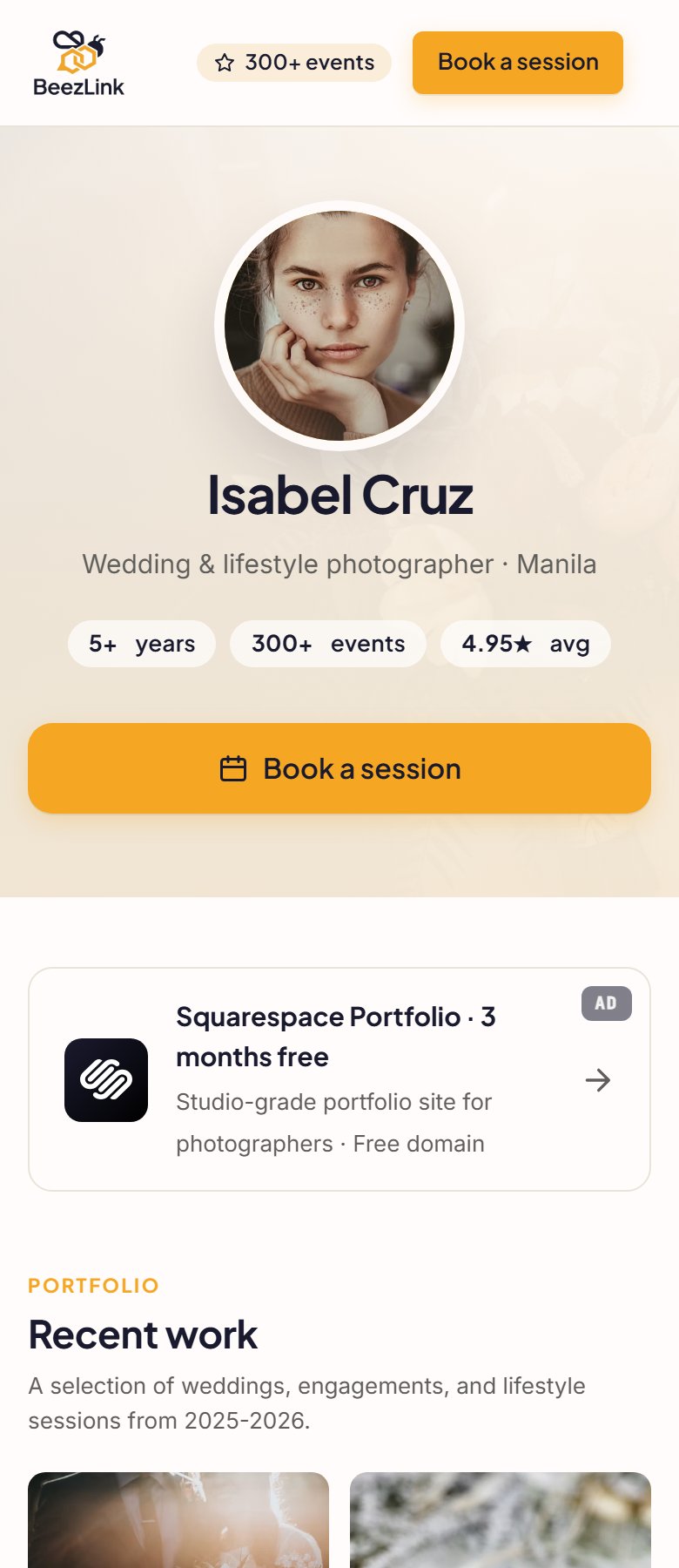
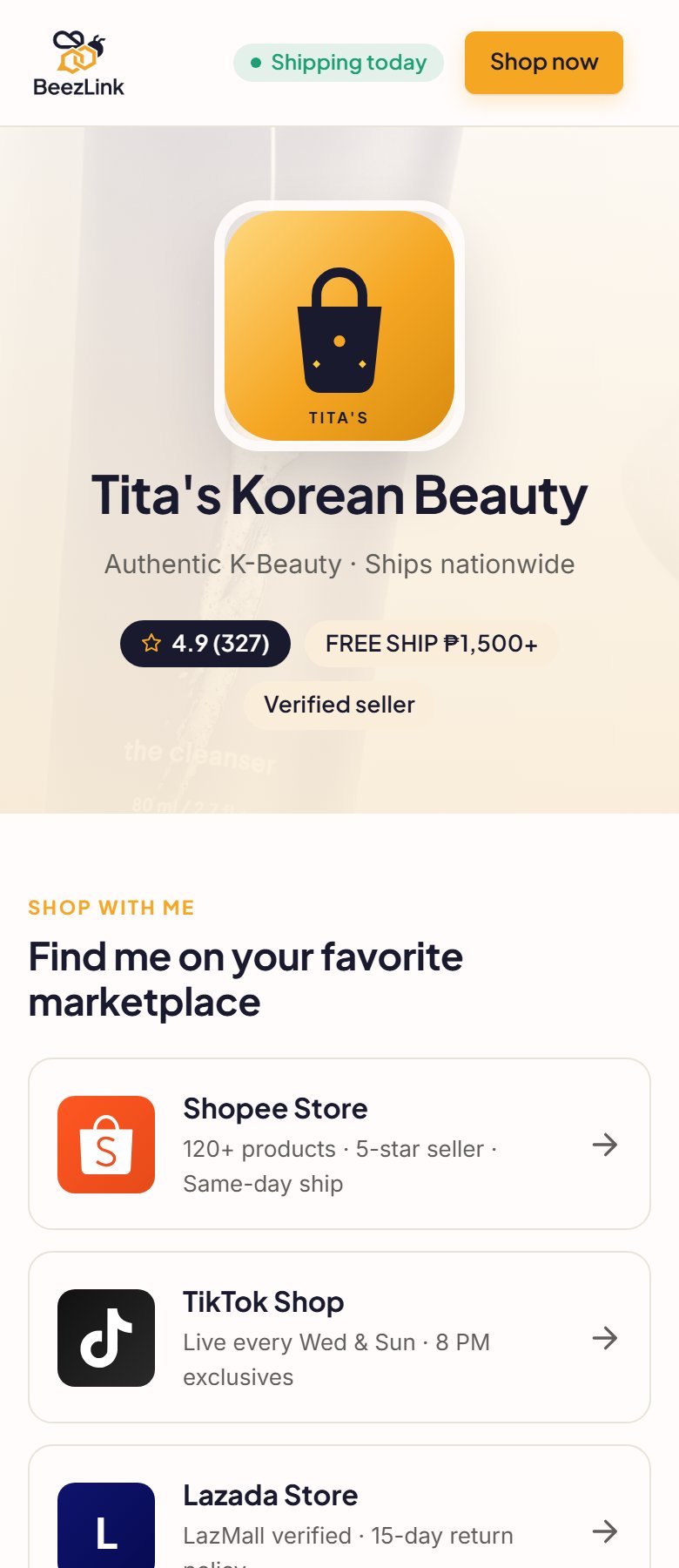
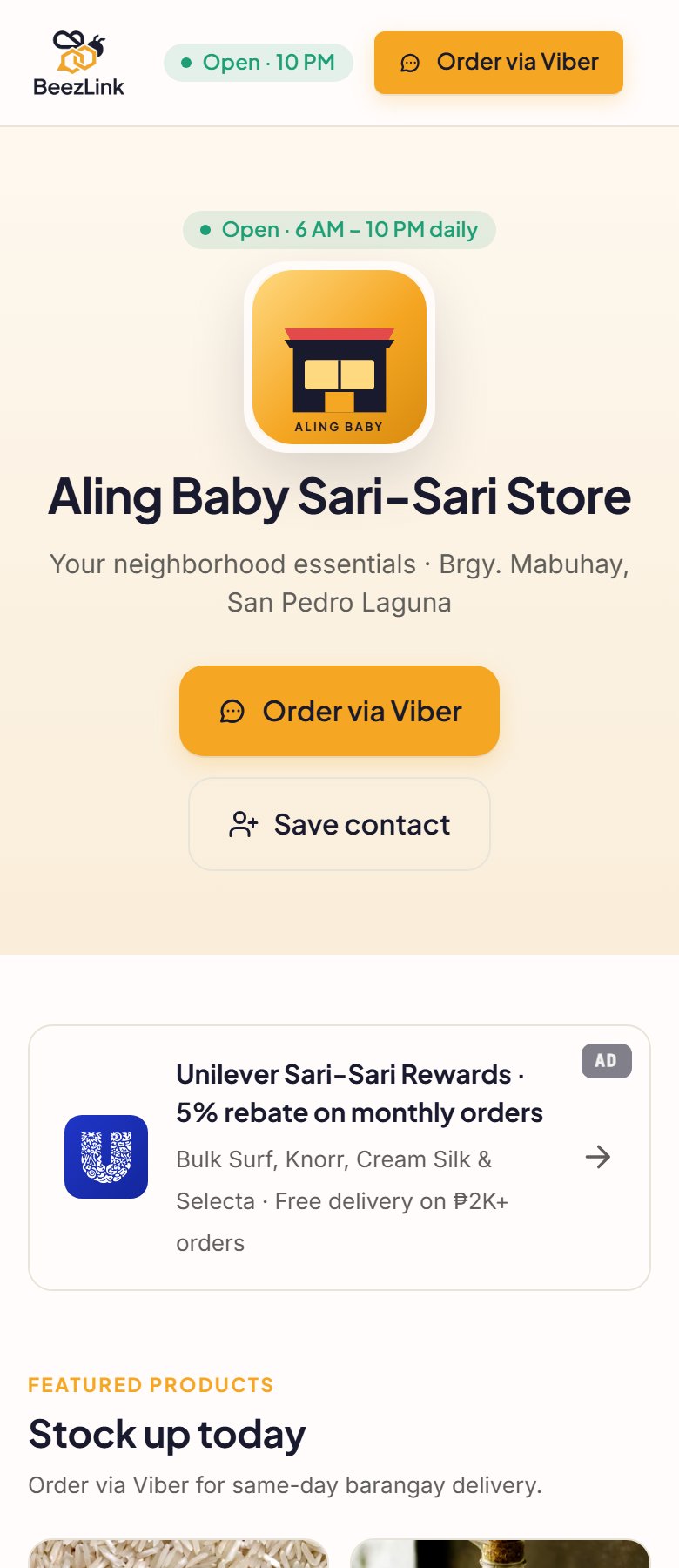
These are real BeezLink screens with demo content. Customers open your link on their phone, and you change everything from the page builder.
| Plan | Ordering and payment |
|---|---|
| Free₱0 / forever | Customers send their order to you through “contact seller”. No in-page cart. |
| Pro₱1,249 / per year | Cart and checkout. Customers pay you directly by GCash QR or bank transfer and upload proof. |
| Pro+₱1,999 / per year | Cart and checkout with online payment through PayMongo (GCash, Maya, card). Fees apply to online payments. |
Start from a design made for your kind of business — a karinderya, café, online shop, broker, salon and more.
Fill in simple blocks: your menu or products with prices, hours, location, contact buttons and social links. No code.
Check your page on your phone, publish it, then share beezlink.com/yourname on your Facebook Page, Messenger, social bio or QR code.
Want the full walkthrough? Read our guide to creating a business website in the Philippines.
Put beezlink.com/yourname on your Facebook Page, Messenger replies, Instagram or TikTok bio, QR codes and flyers.
Pages are built mobile-first for customers who open your link from Messenger or Facebook on their phone.
Pick a template and fill in blocks for your menu, products, hours, location and contact buttons.
Start with contact-seller checkout on Free. Add GCash QR or bank transfer with proof on Pro, or online payments through PayMongo (GCash, Maya, card) on Pro+.
Every published page is server-rendered with its own title and structured data, and listed in our sitemap. We can't promise rankings, but your page is easy for search engines to read.
Most owners start with a Facebook Page, a link-in-bio app, a website builder or a web designer. Here's what each one usually gives you. Keep your Facebook Page: your BeezLink link goes on it.
| Facebook Page only | Link-in-bio app | Website builder | Hiring a web designer | BeezLink | |
|---|---|---|---|---|---|
| Your menu or products, with prices | Partly. In posts and photos customers scroll through | Partly. Mostly links to other pages | Yes. Yes, on pages you design | Yes. Yes, built for you | Yes. Yes, in blocks made for your kind of business |
| Taking orders, paid by GCash or Maya | Partly. Customers message you to order | Partly. Depends on the app and plan | Partly. Through a payment add-on you set up | Partly. If they build it in | Yes. Cart and checkout on Pro. Customers pay you directly by GCash, Maya or bank transfer. |
| Hours, map, call and Messenger buttons | Yes. Yes, on your Page | Partly. As links | Yes. Yes, if you add them | Yes. Yes, built for you | Yes. Built in, with “Open now” from your hours |
| Made for Filipino businesses | No. Made for everyone | No. Made mostly for creators worldwide | No. Templates for businesses worldwide | Yes. Yes, if you hire a local designer | Yes. Templates for karinderyas, cafés, sari-sari stores and brokers, with prices in pesos |
| Setting it up | Yes. Quick, no code | Yes. Quick, no code | Partly. No code, but more pages and settings to set up | Partly. They build it; changes usually go through them | Yes. No code: pick a template and fill in blocks |
| Price | Free | Free plan; more on paid plans | A paid plan to sell online | A design fee, plus hosting and upkeep | Free forever with BeezLink ads, or ₱1,249 a year on Pro without ads |
What each kind of tool usually offers, checked November 2026. Features differ between apps and plans.
These templates are ready to use. The names and items you see are sample designs with demo content — you replace them with your own business.
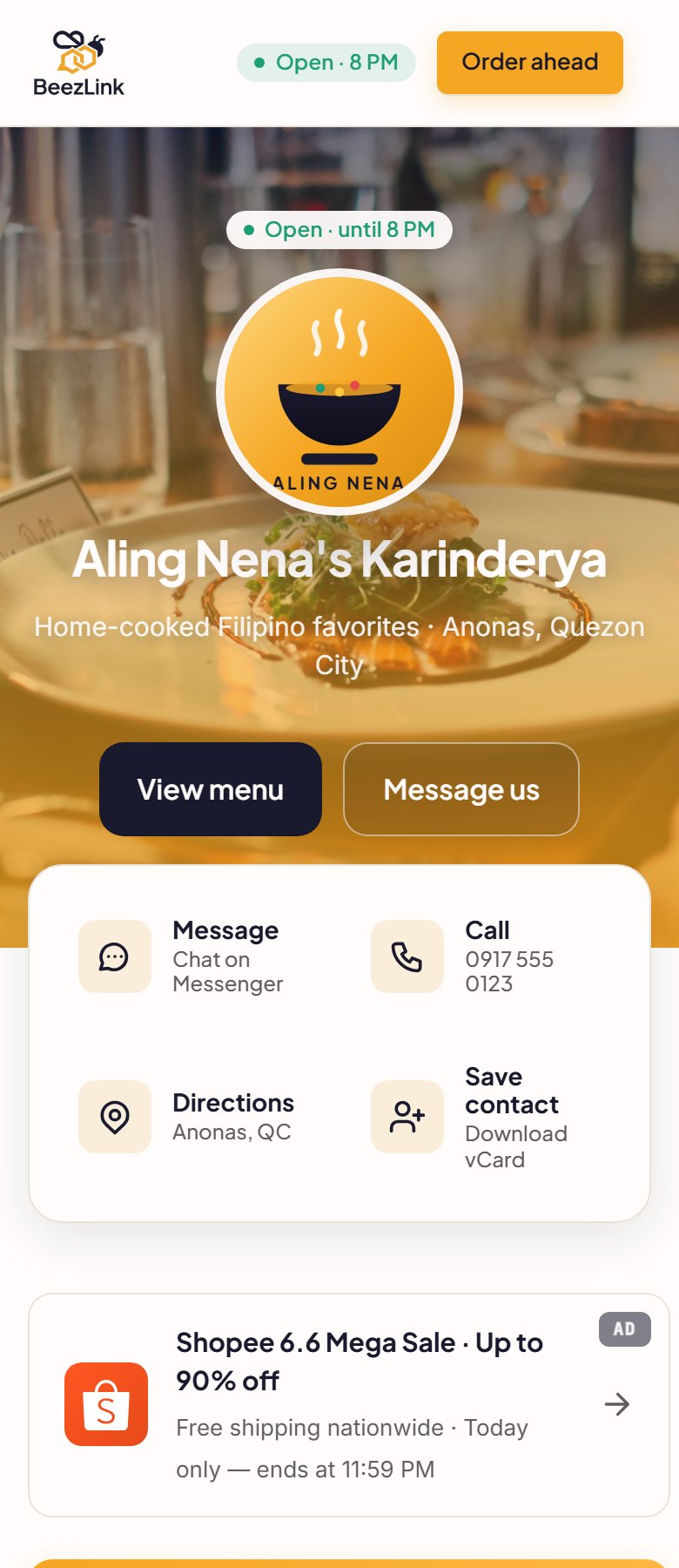
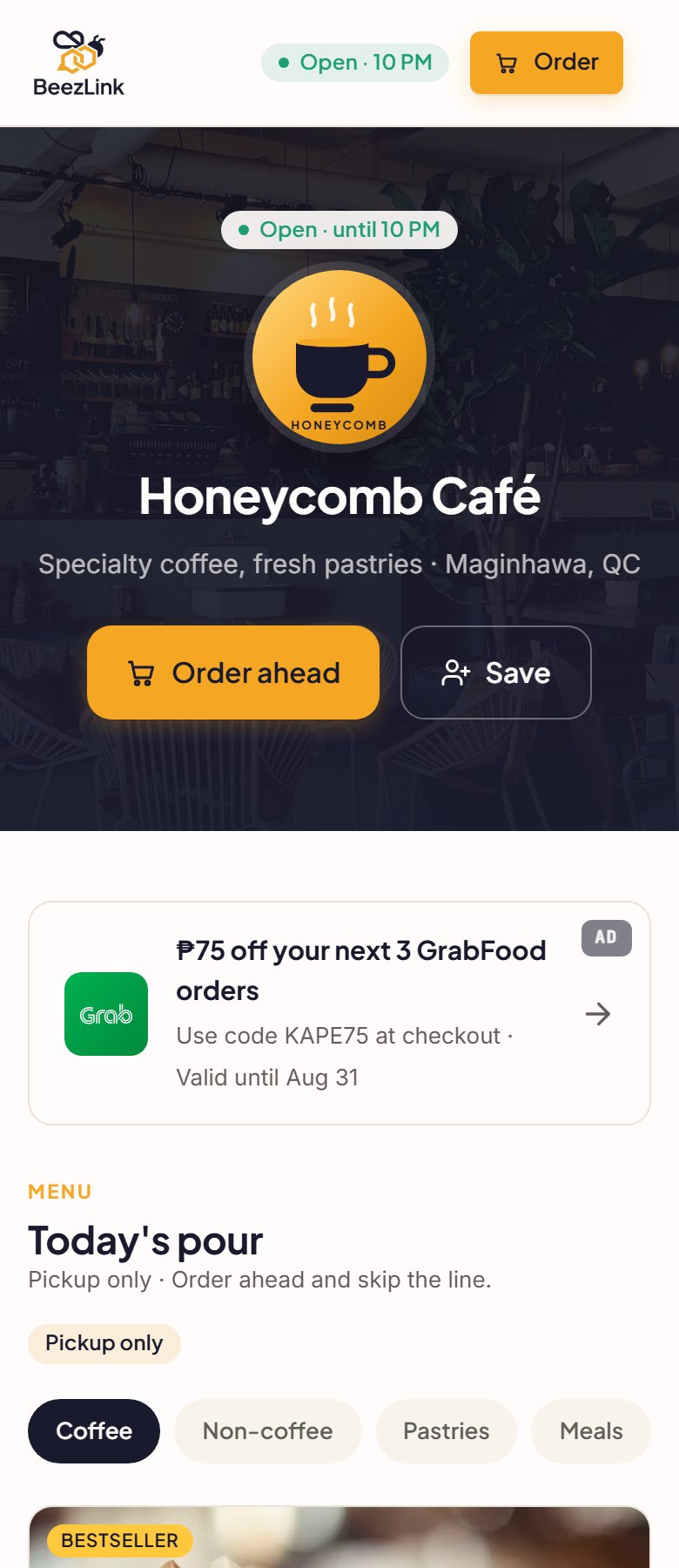
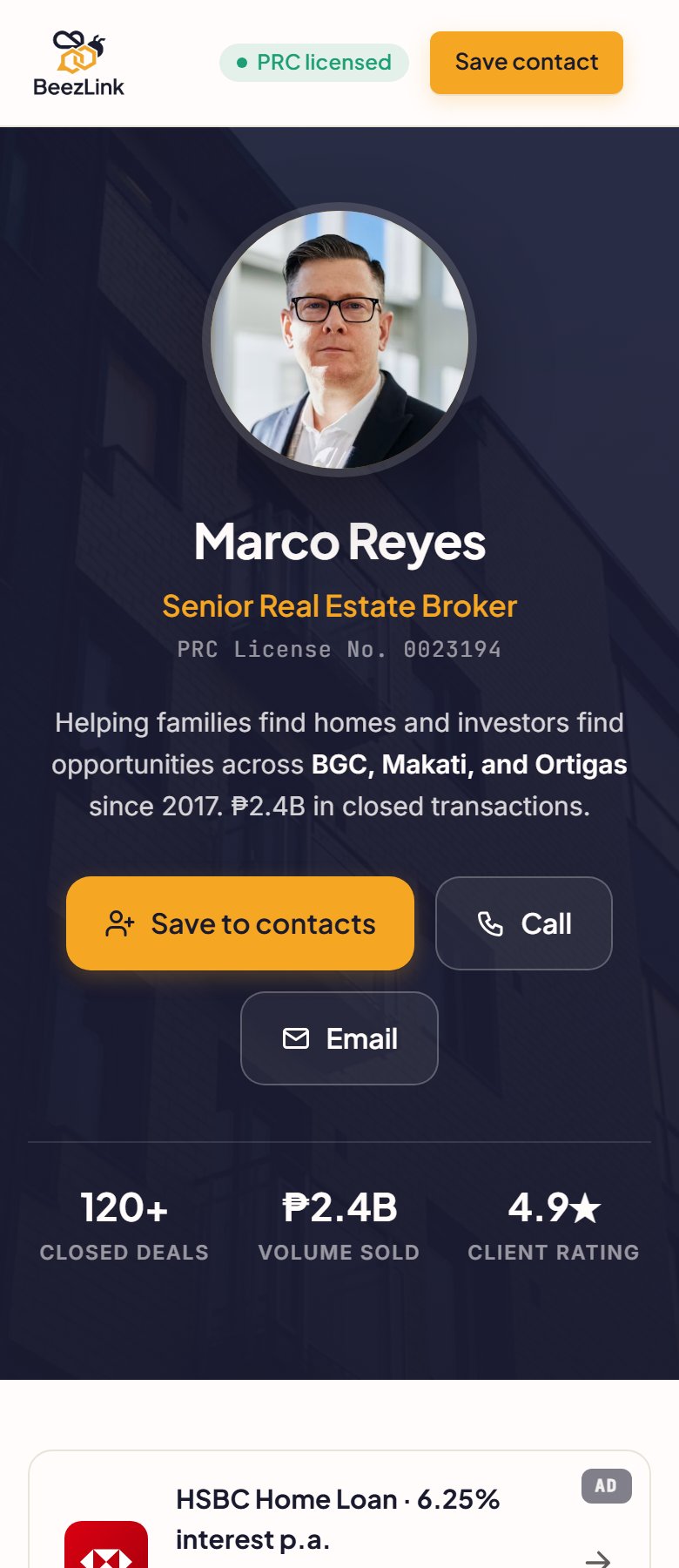
Free is ₱0 forever and shows BeezLink ads. Paid plans remove the ads and add ordering and payment tools. Paid plans are billed once a year and do not auto-renew. Pay with GCash, Maya or card.
Get your business page online.
₱0/ forever
Take orders on your page, without ads.
₱1,249/ per year
Online payments and your own domain.
₱1,999/ per year
Paid plans are billed once a year and do not auto-renew. Pay with GCash, Maya or card.
Compare all plans →Start today: 14 days of Pro free · no credit card needed.